Here's the report:
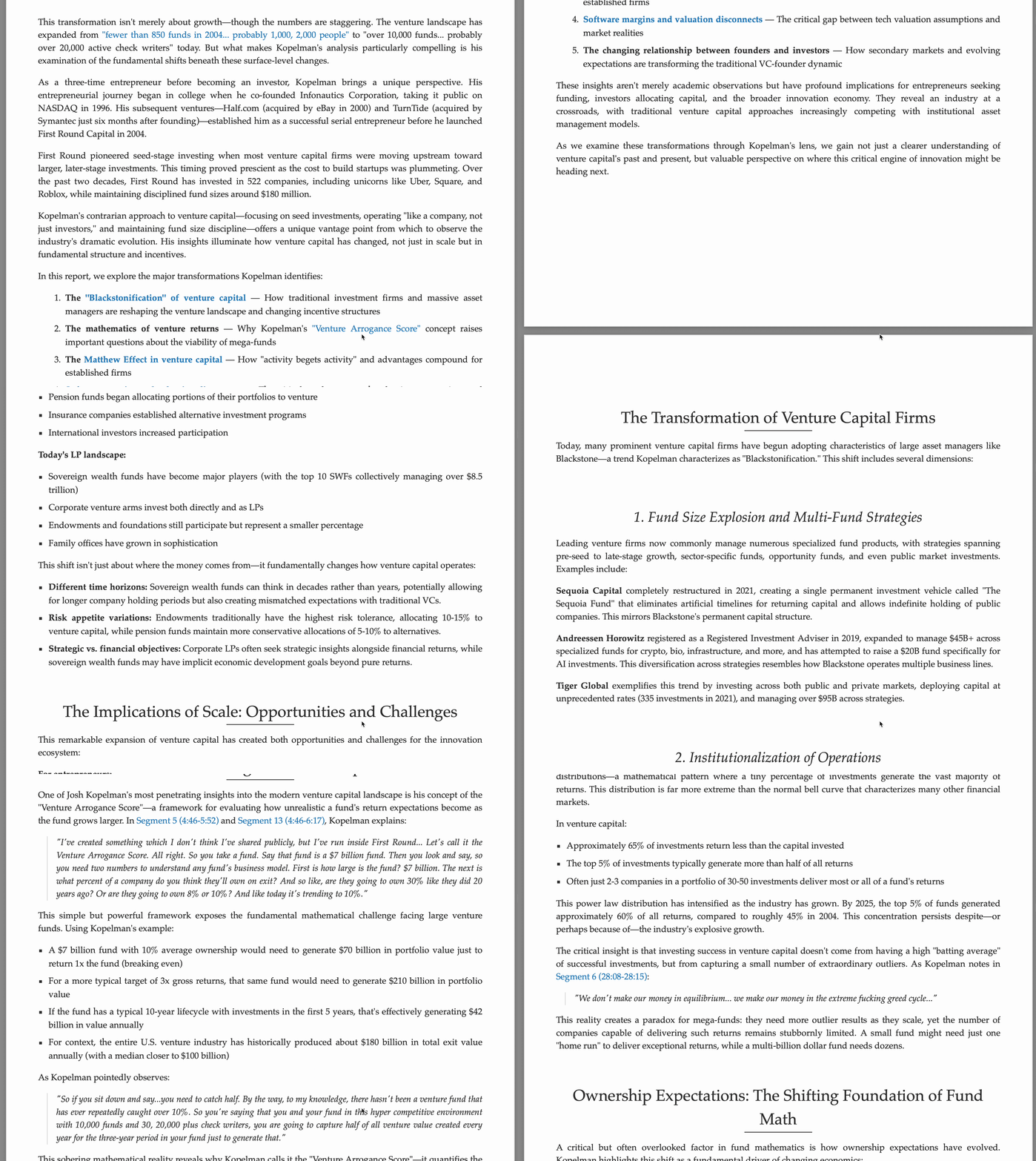
It was generated from this podcast, with a pipeline that could be easily made unsupervised in the future:
It surprised me how simple it was to create it. Here's how - prompts and everything.
Step 1 - Snippets
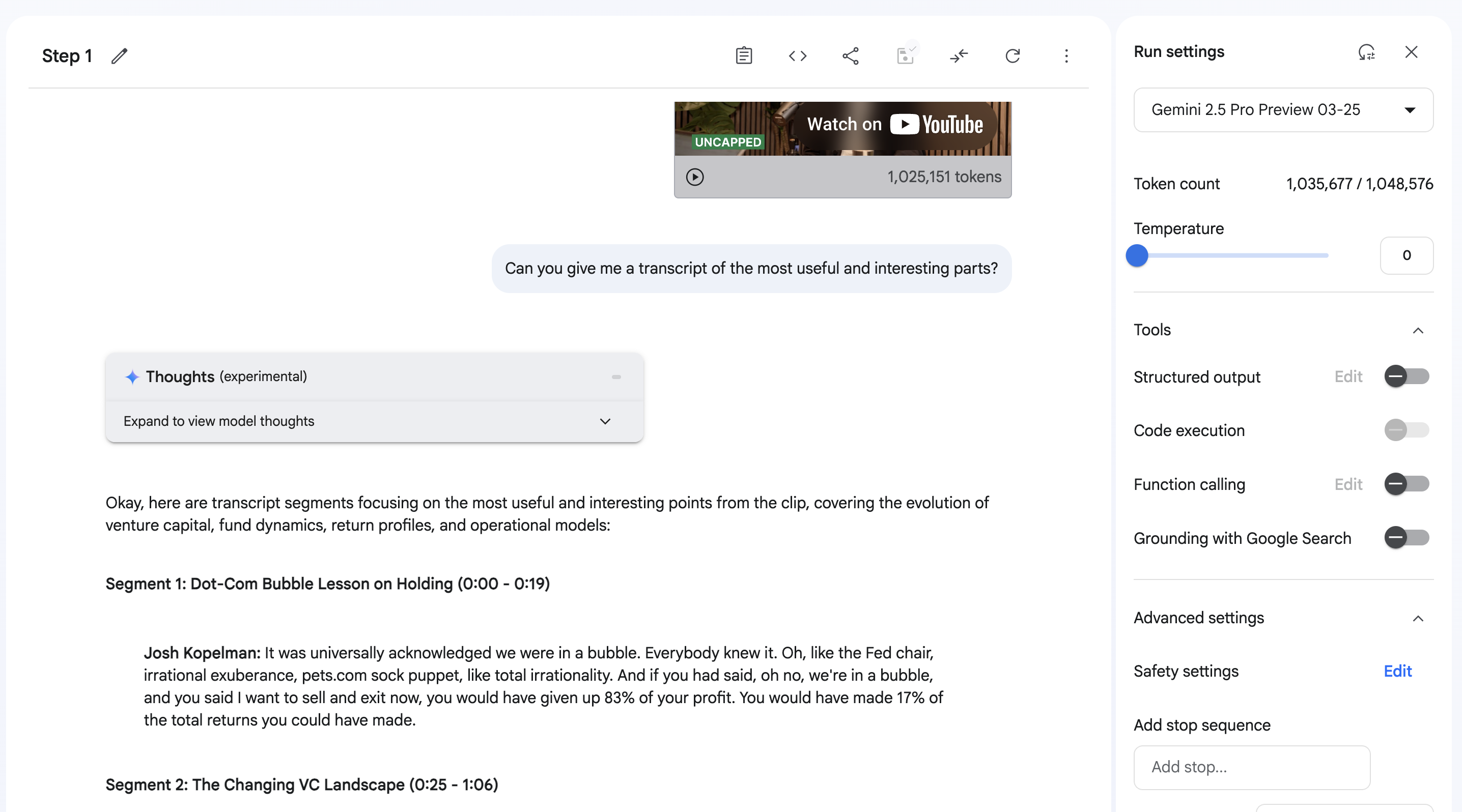
That's it - really. Ask a few times after copying in the link, and join it together. Get a bit of an intro if you can - I just used the one from Spotify.
That gets you this nice doc.
Step 2 - Research
Here's the prompt I used with Claude Deep Research, currently the SoTA as of this article:
Here's the best parts of a recent podcast. What I want you to do is do a deep dive to find the following so we can improve on what was mentioned:
1. Research the speakers so we can compile some more context.
2. About each segment, look into the facts or the patterns mentioned - not just to factcheck, but also to add more color and interesting things. That might be similar quotes, contemporaries at the time, competing dynamics, new information about the time, how right they are and what the implications are, how they can be connected to today's situation, etc.
3. Don't look into the obvious things. The intended audience is people in the field, so not too many of the generic well known things (though you can use them in a sentence or two to add context), but things that make you go 'ah I didn't know that'.
Then compile a research report with each segment and additional elaboration. Feel free to be as verbose as you can to add context.
One more:
do one more research and actually explain the things he's talking about in more detail to a simpler audience.If you take the json from devtools and drop it into this script, you'll get these beautiful markdown reports (all of them from the chat) with links burned in instead of skipped:
Report 1: Money Games - How Venture Capital is Changing
Report 2: The VC Metamorphosis - 20 Years of Transformation
Report 3: Fact-checking Josh Kopelman's VC Claims
Step 3 - Combine
Drop them all into a folder, then just use Claude Code with this prompt:
there are a bunch of markdown files in raw_inputs. What we want to do is read them and make a proper report covering the interesting things, background, just a fun and interesting writeup based off the podcast. There is a transcript of fun snippets, and then a bunch of research that will be useful in raw_inputs. Write the report in final_report. There are empty files called plan.md, final_report/structure.md, and final_report/tasklist.md - which you can use to measure progress and keep going. Feel free to write it in pieces in appropriate places, and then we can merge at some point. Keep track of your tasks and what's pending, and then check it off as you go.
This works beautifully! It thinks for a while and you get the report above.
Crazy world we live in.